

In Production Assist, you can request a checked static calculation directly from the app. This is created by our in-house engineers.
Any system created with Production Assist can be submitted to the Signing Service.
The advantages are:
The prices of the static calculations are either displayed directly in the app if you have already drawn the system. Alternatively, you can enter the parameters here and calculate the prices in advance. This is especially important for creating quotes.
First draw the system with Production Assist. To submit the system, it must first be uploaded to the cloud.
To do this, execute the Menu Command PA Cloud->Submit Changes.
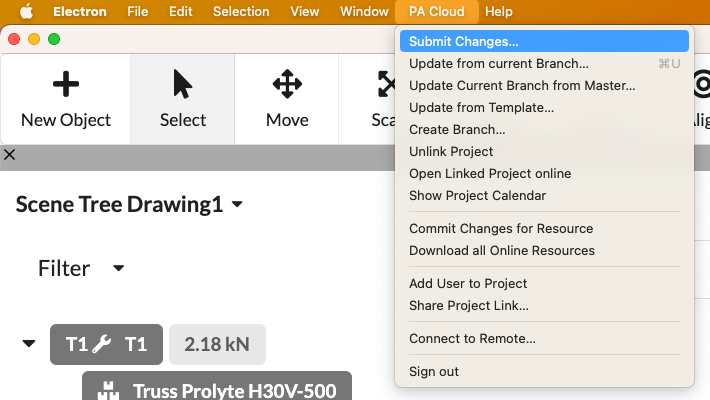
This opens a dialog to create a new project.
First select the user/organization for which you want to have the static calculation calculated. The user who is selected receives the invoice for the order.
Attention: This selection cannot be changed.
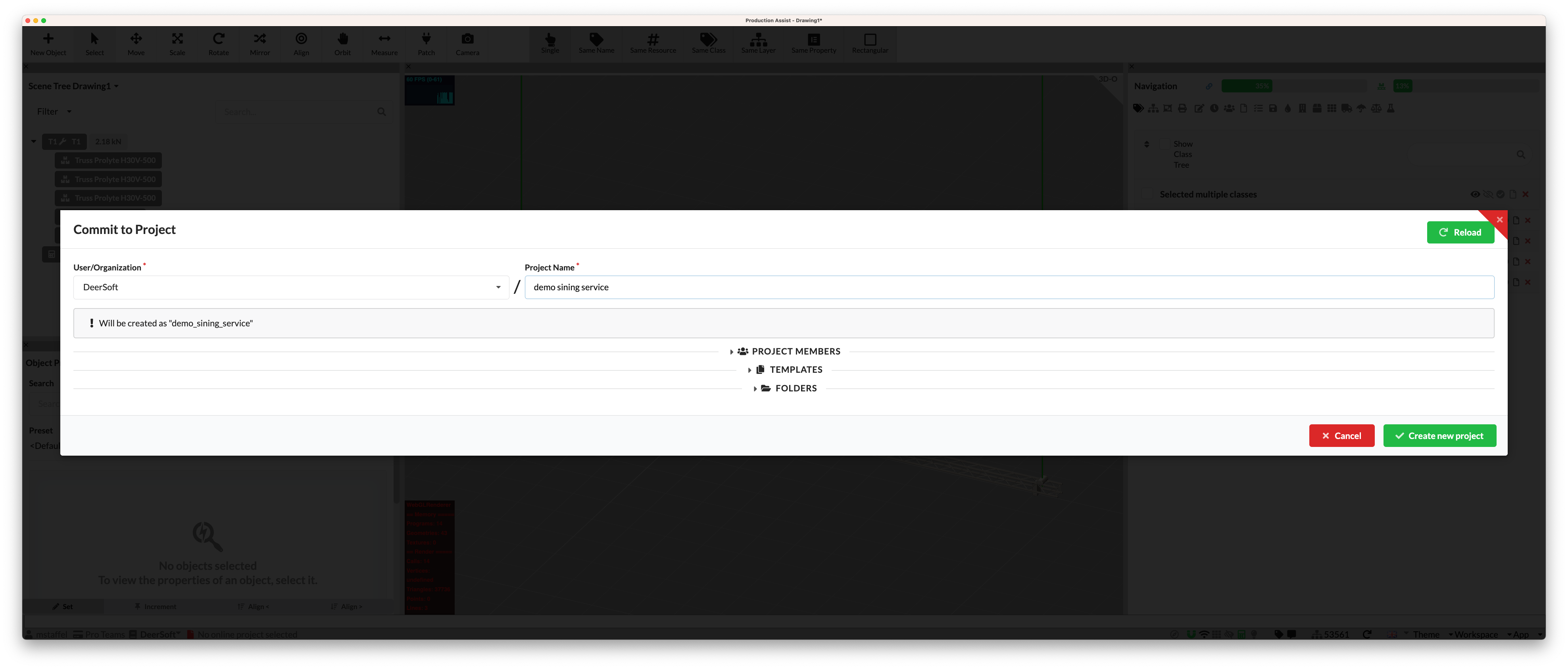
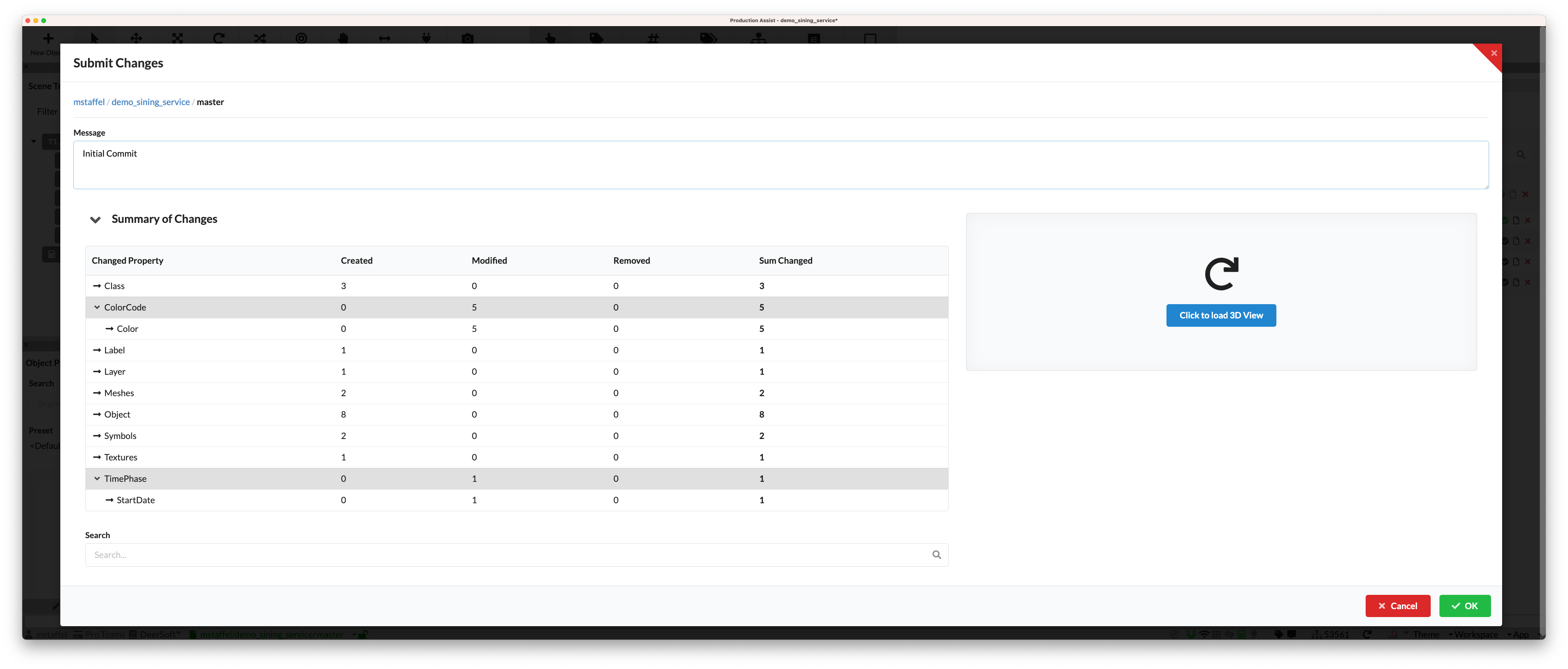
Now transfer the project. In the description you can leave a change notification. Uploading to the cloud usually only takes a few seconds.
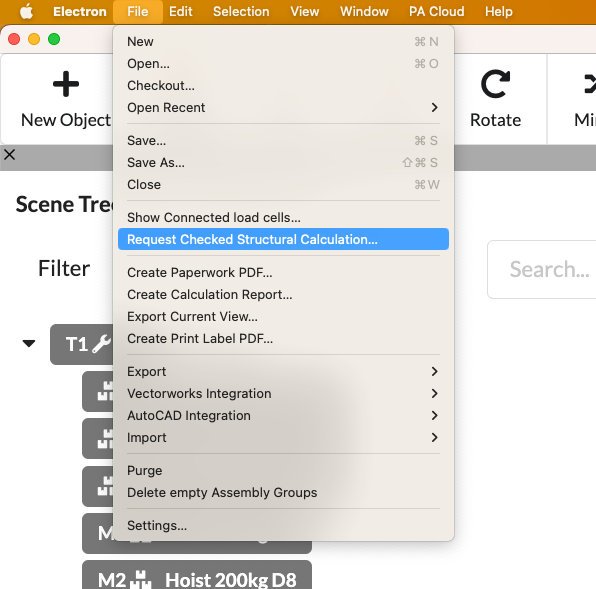
After the project has been created and the data has been uploaded, the static calculation can be requested. To do this, simply press the Menu Command File->Request Checked Structural Calculation....
The following dialog opens and shows the price overview.
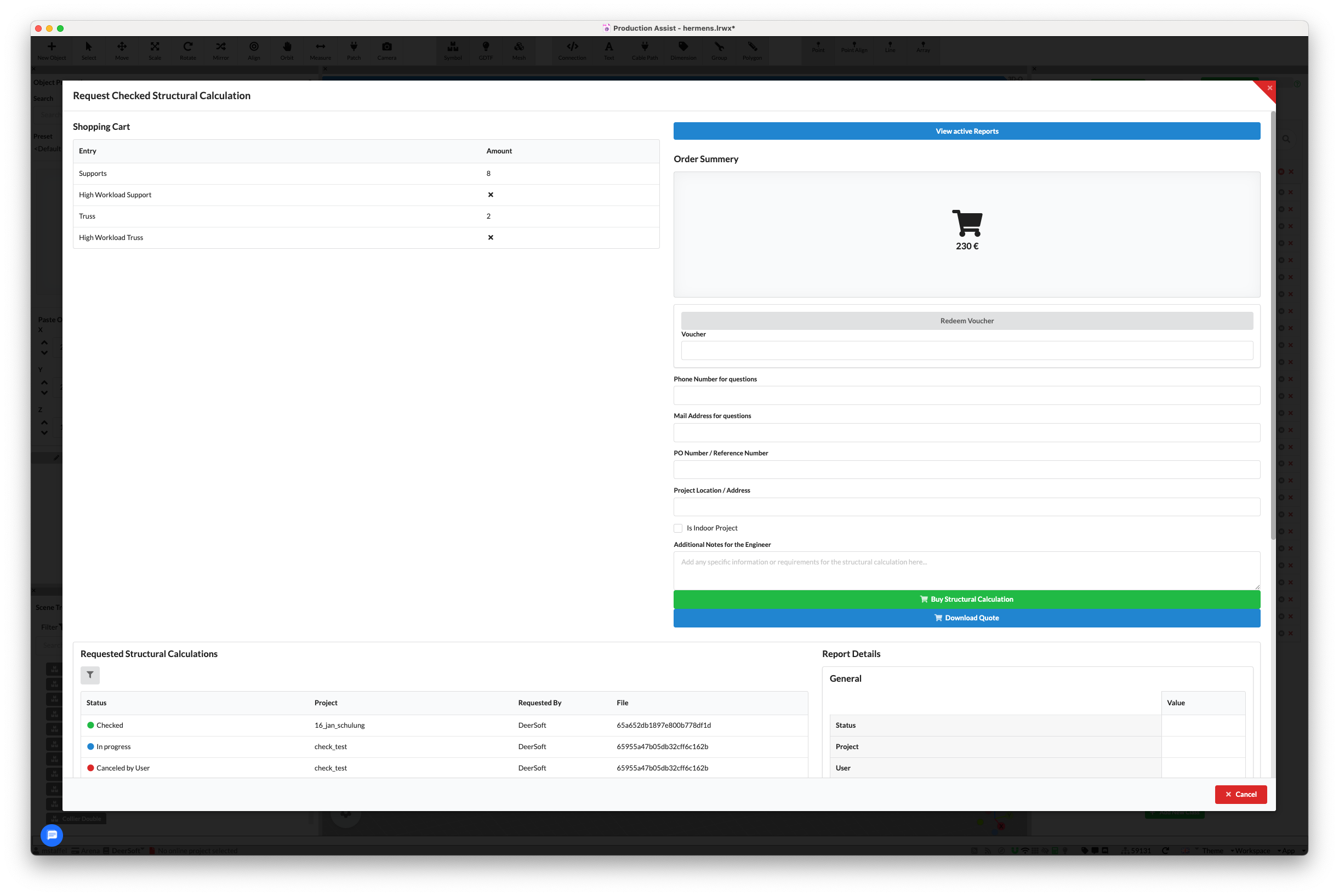
The following data must be entered:
| Value | Description |
|---|---|
| Voucher | If you have a voucher, you can enter it here. |
| Phone | The phone number where we can reach you if we have questions |
| The email address we can use for queries. The static calculation will also be sent to this address. | |
| PO Number | The order number used for billing. This appears on the static calculation and on the invoice. |
| Project Location | The address where the construction will be erected. The more precise the address, the better. At least the city should be specified. |
| Is Indoor | Indicates whether the construction is erected indoors. This information is important for our engineers to assume the correct loads. |
| Additional Information | Here you can provide further information about the construction that could be relevant for the static calculation. If the static calculation is needed in a specific format, you can also specify this here. |
Now simply press the Buy Structural Calculation button. Now the job has arrived with us and we are working on it.
Alternatively, you can also press the Download Quote button. Then you will receive a PDF with the price overview and the entered data. You can forward this PDF to your customer so that they can approve the static calculation before you order it from us. As soon as you have the approval, you can simply press the Buy Structural Calculation button and the static calculation will be ordered.
Note If we have questions about the drawing, we will call you.
The first review usually takes about 3 hours if the static calculation is submitted during our office hours. These are from 9 am to 5 pm CET Berlin time. Outside these times, the static calculation arrives the next working day.
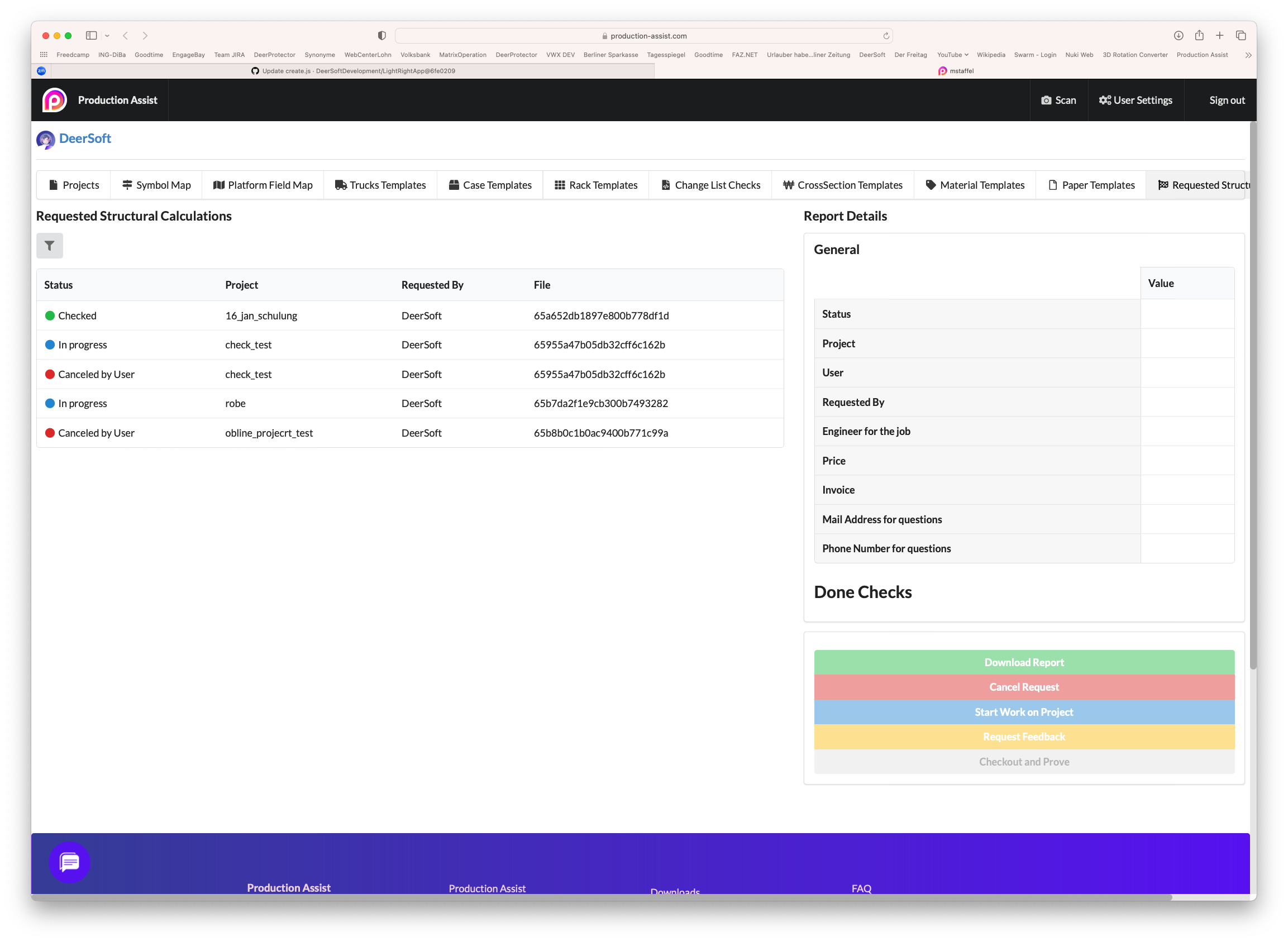
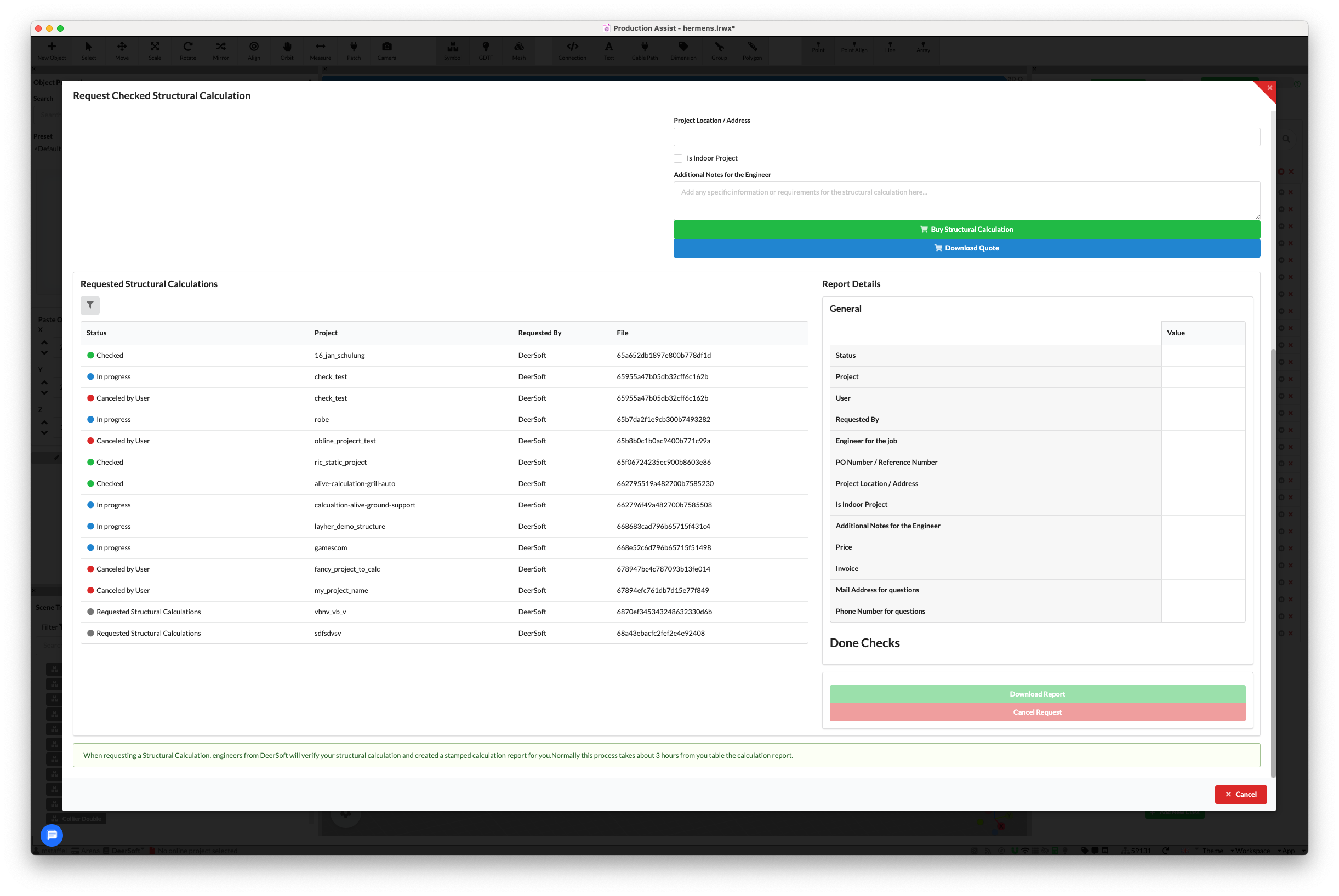
On your user page you now have an overview of the current static calculations.
| Display in Browser | Display in App |
|---|---|
 |  |
As long as we have not yet started with the calculation, you can still cancel the request. To do this, simply press the Cancel button.
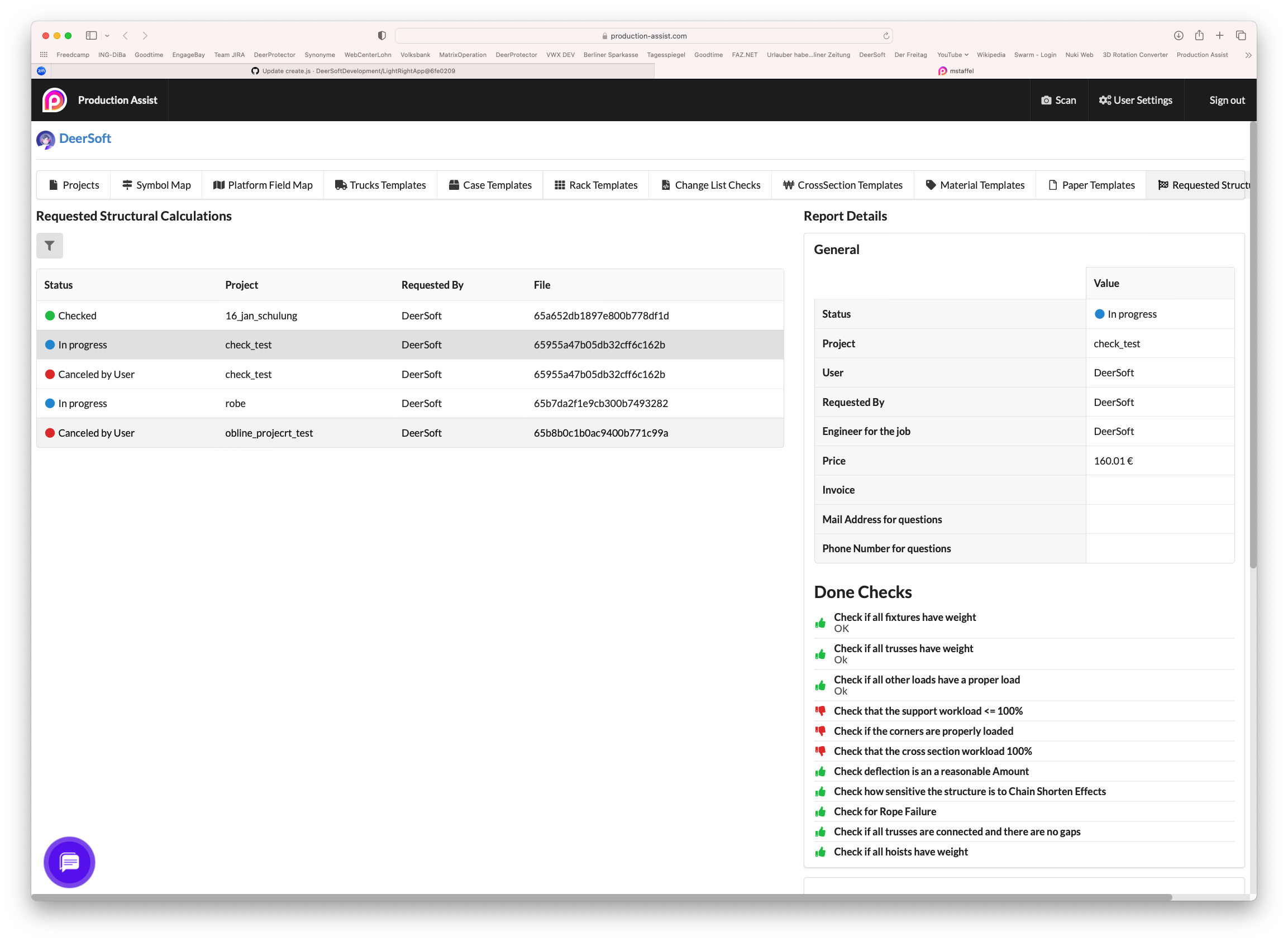
If you click on the job, you will see the checks that have been made so far and can download the static calculation.
If we cannot issue the static calculation, you do not have to pay anything. We usually tell you what needs to be changed. Please implement the changes and upload the changes to the cloud again.
Simply request a new static calculation.
Please upload the changes to the cloud and request the new calculation. If it is the same calculation as before, we will change the price to €0.
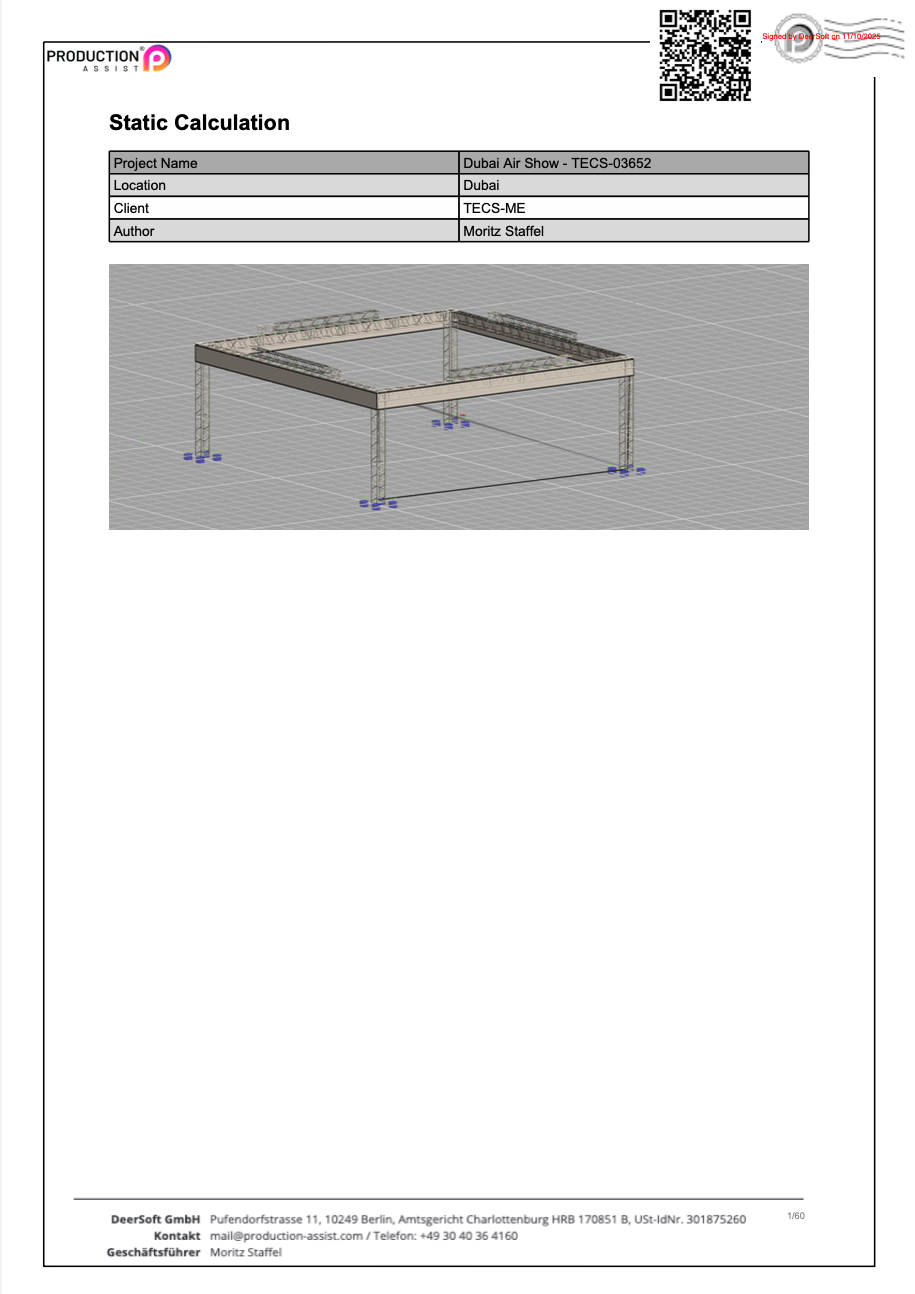
The created static calculation is digitally signed. This can be recognized by the QR code in the upper right corner of the PDF. This ensures that the static calculation was created by our engineers and has not been modified.
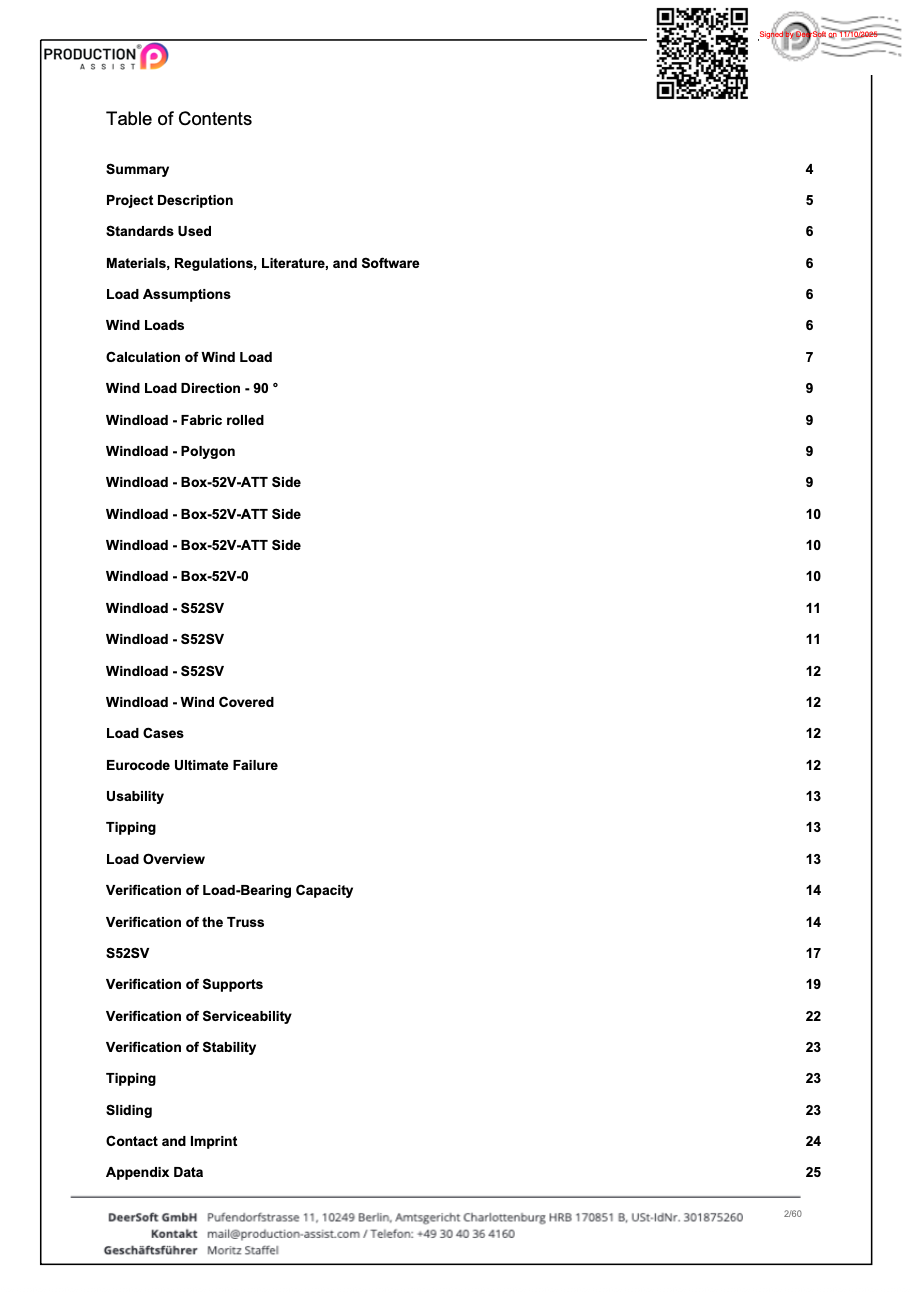
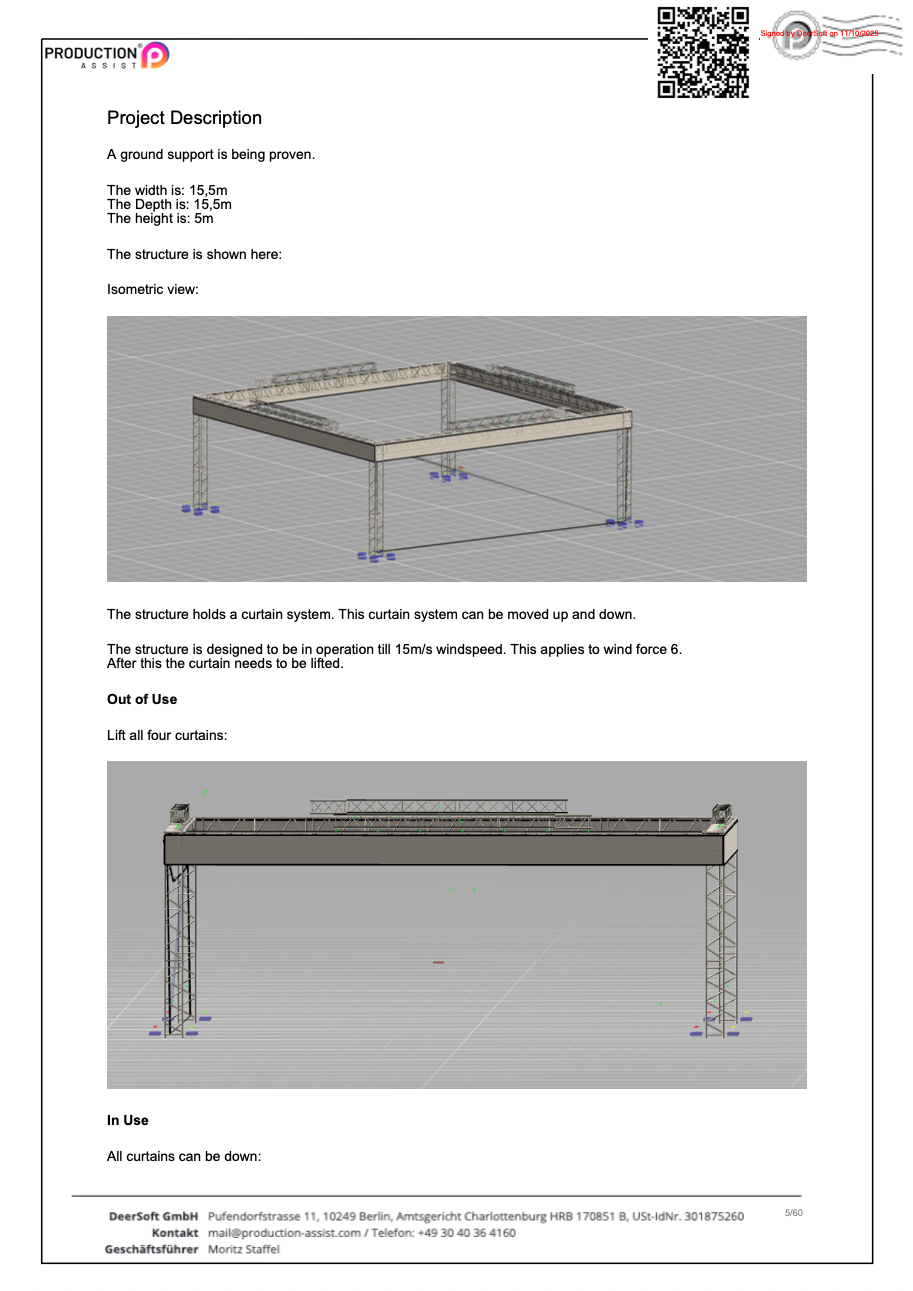
You can find an example of a static calculation here:
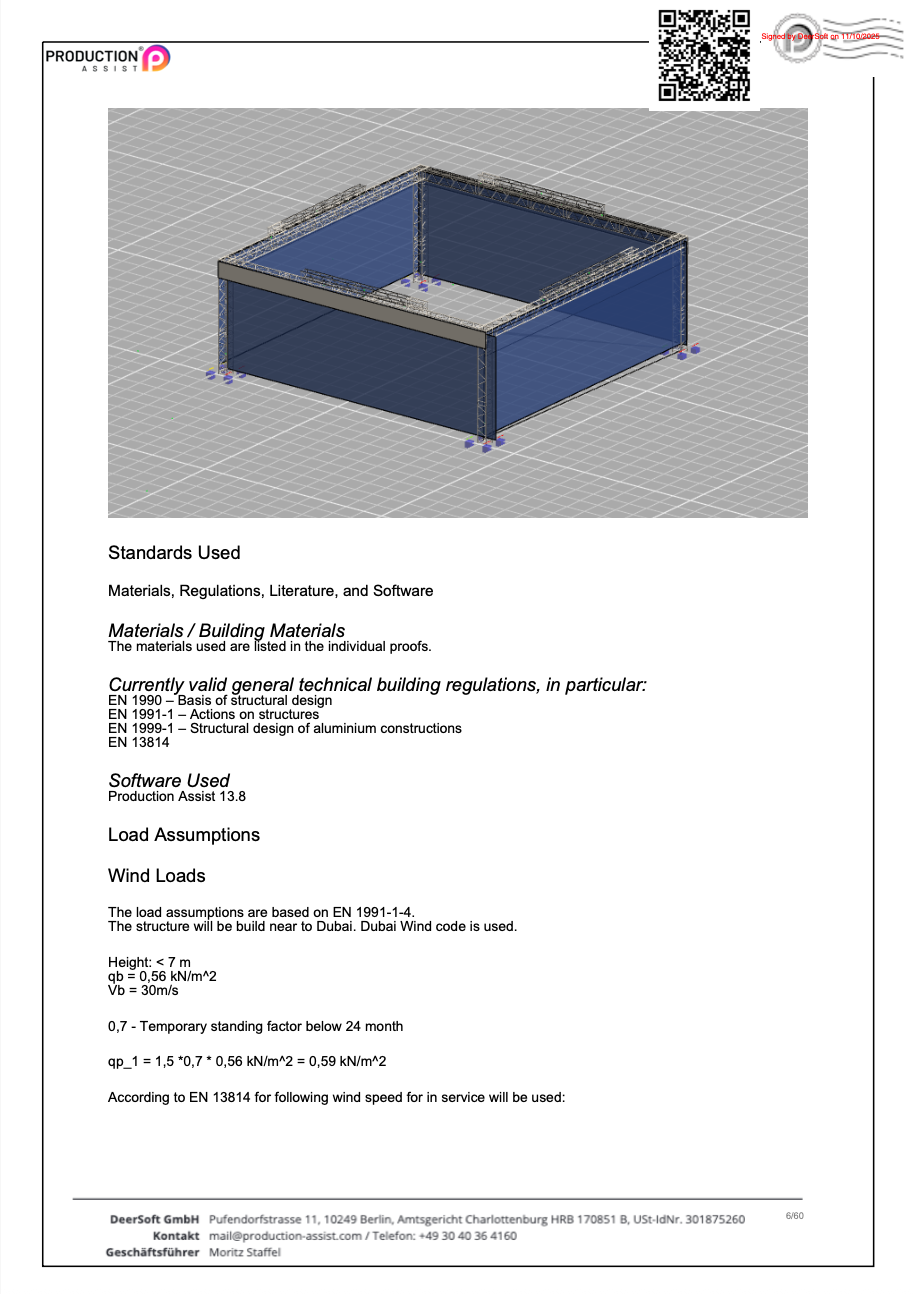
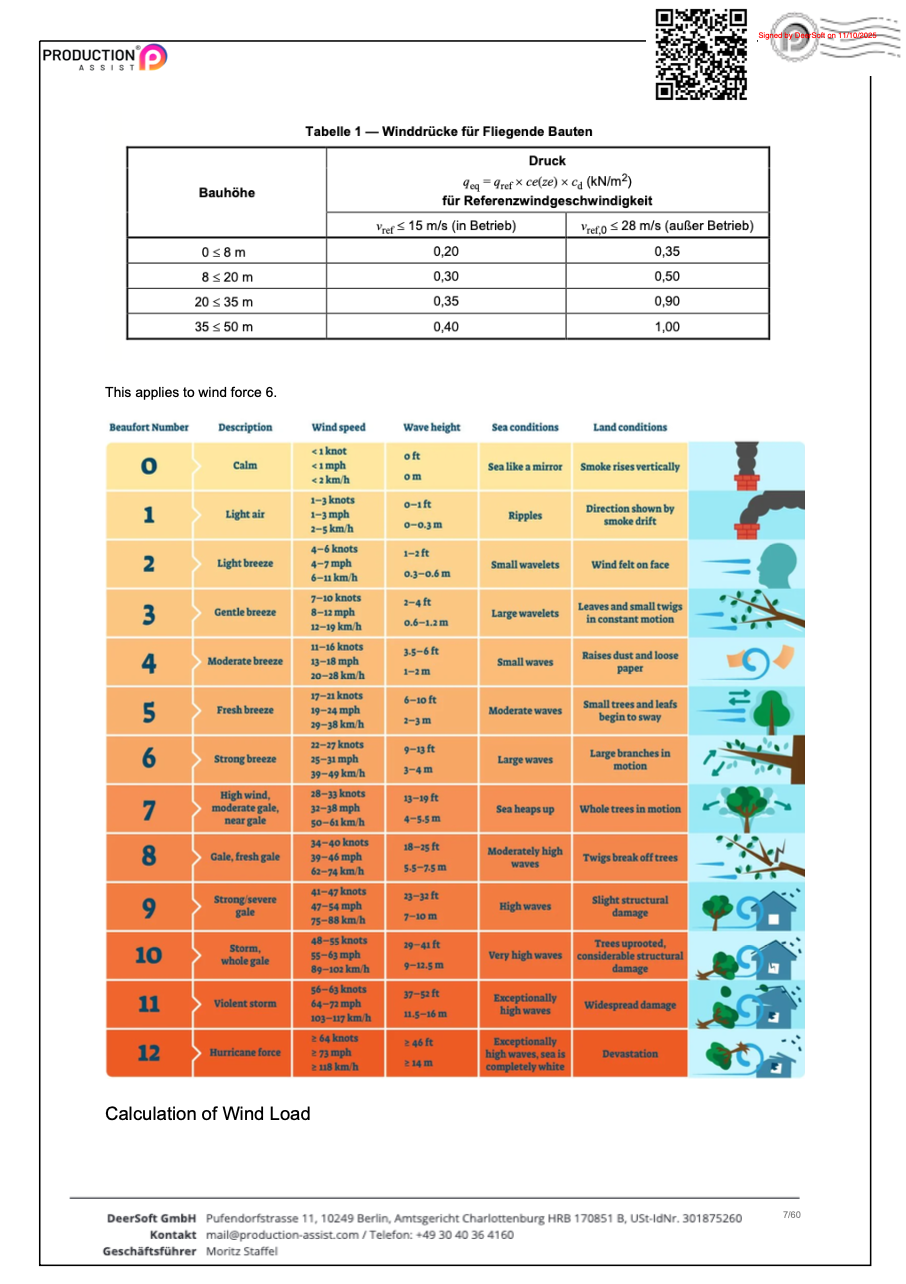
You can also download this as a PDF: