

Production Assist is a cross-platform, online paperwork tool for the event and theatre industry. In Production Assist, paperwork includes all documents that are needed to set up and conduct an event. This includes, among other things:
| Type | Example |
|---|---|
| 2D Plans | 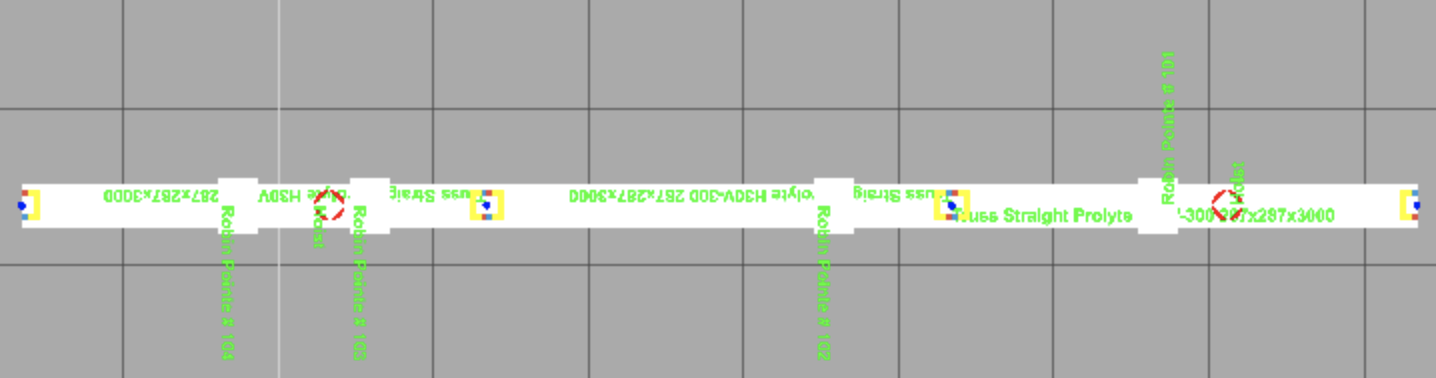 |
| 3D Plans | 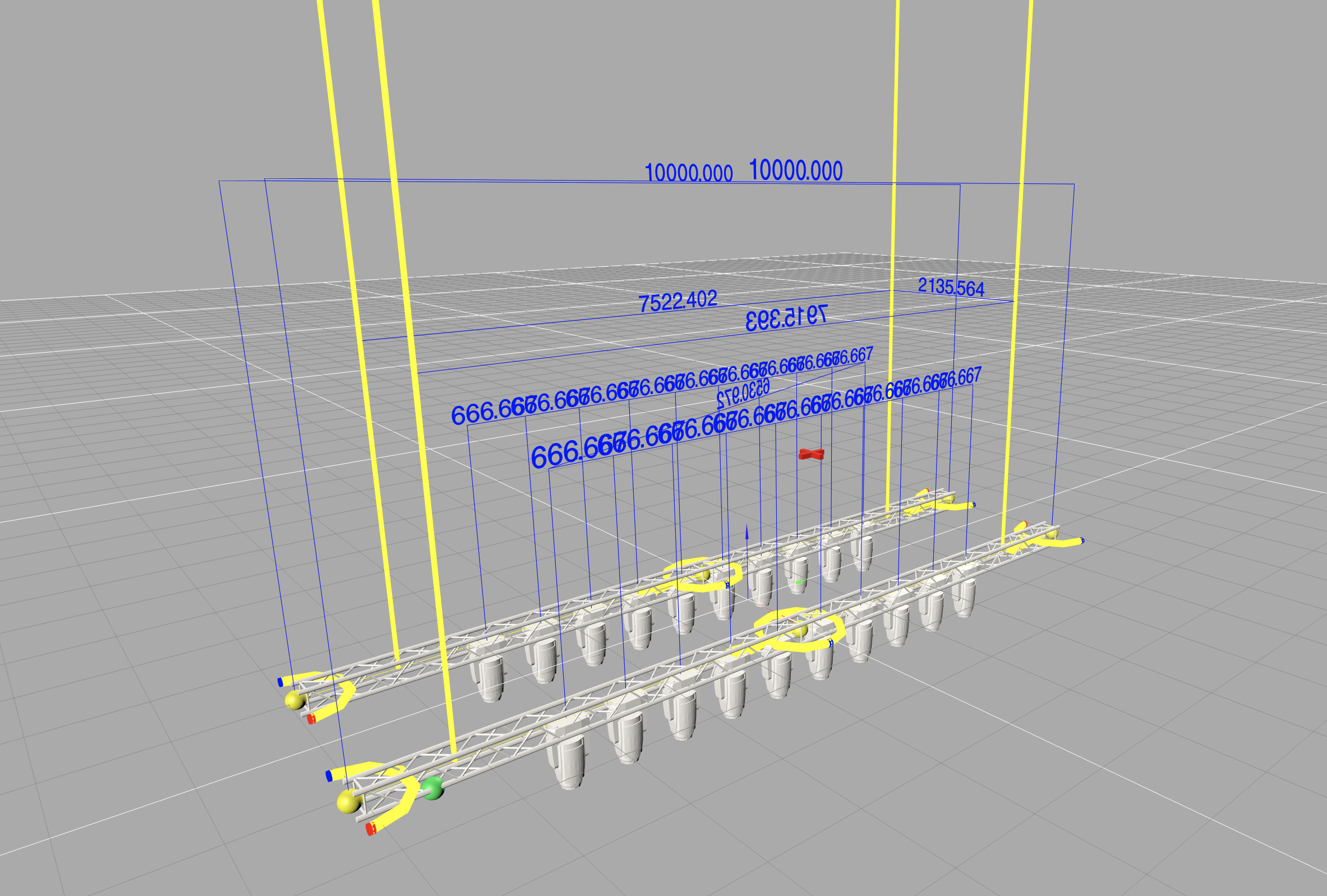 |
| Patch Lists | 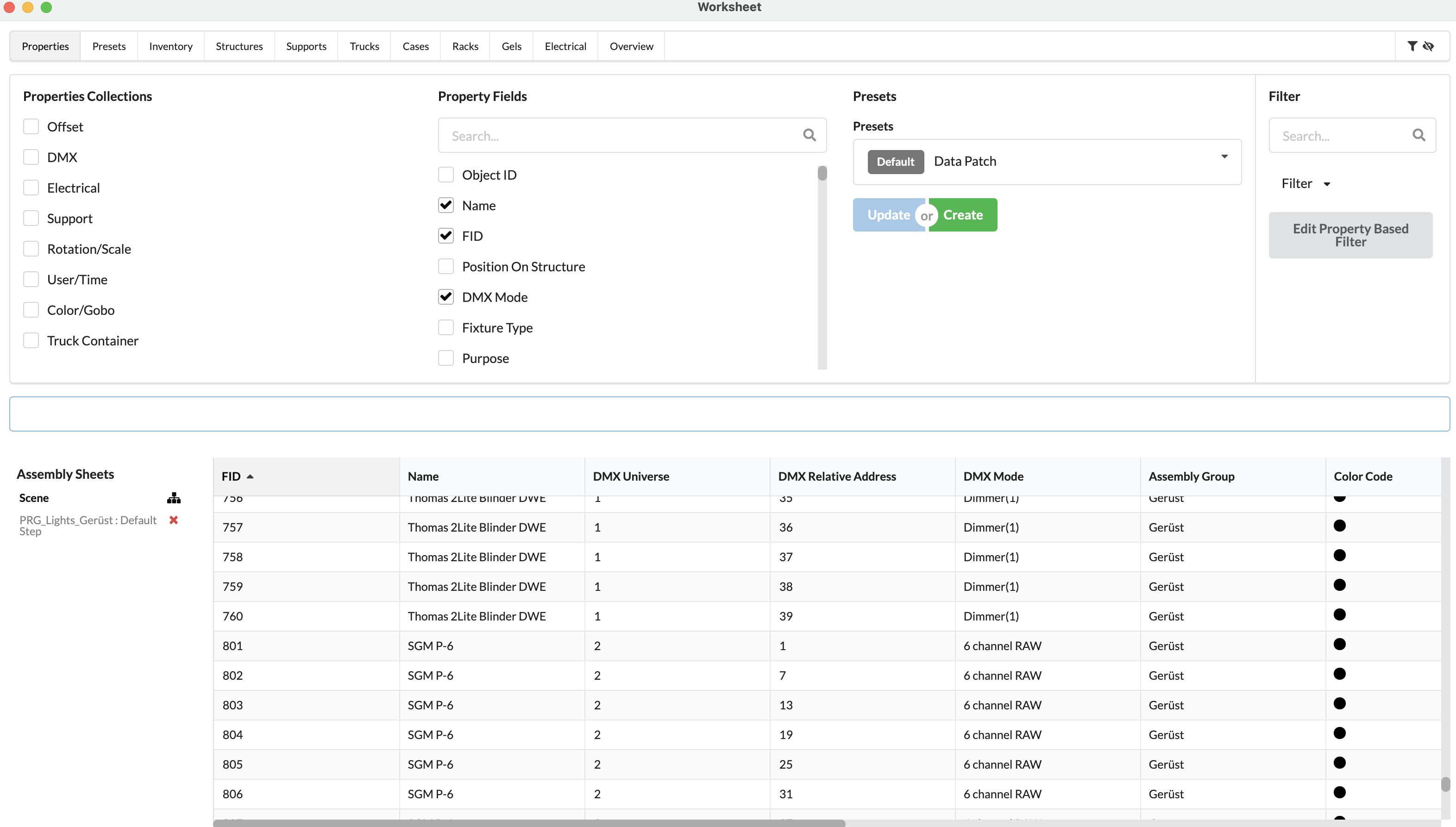 |
| Measurement Lists | 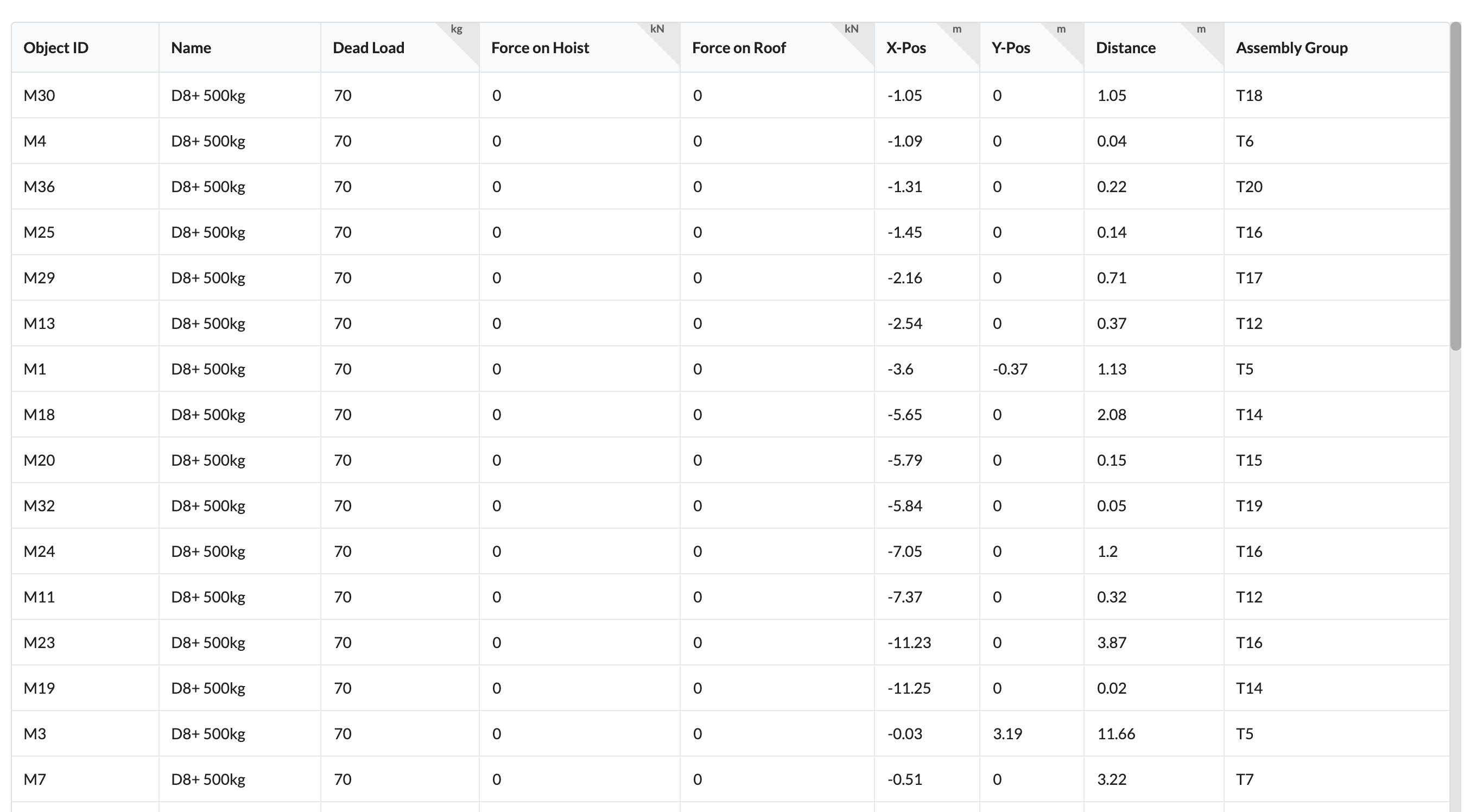 |
| Truck Loading Plans | 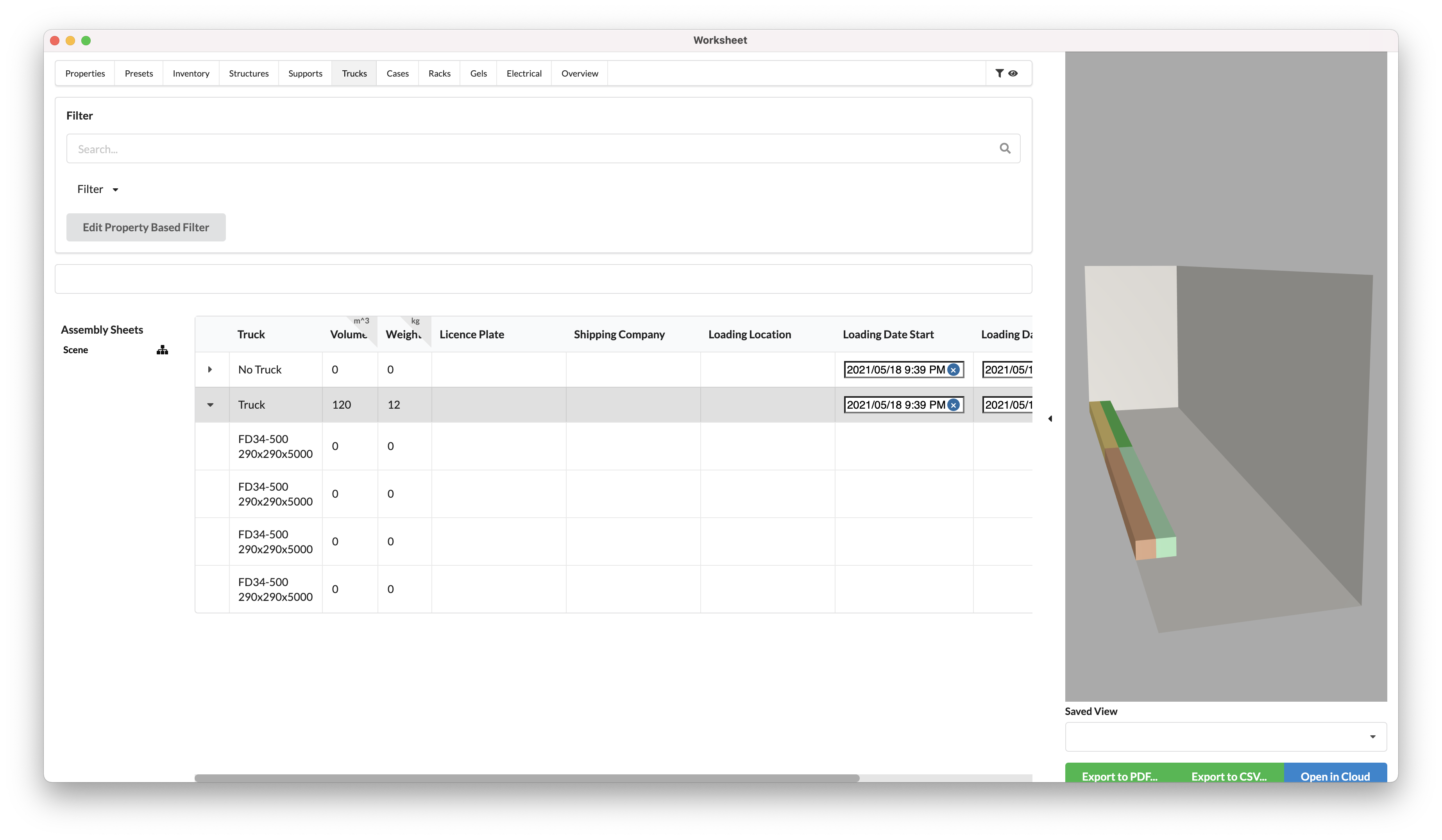 |
| Cue Lists | coming soon |
| Structural Calculations | 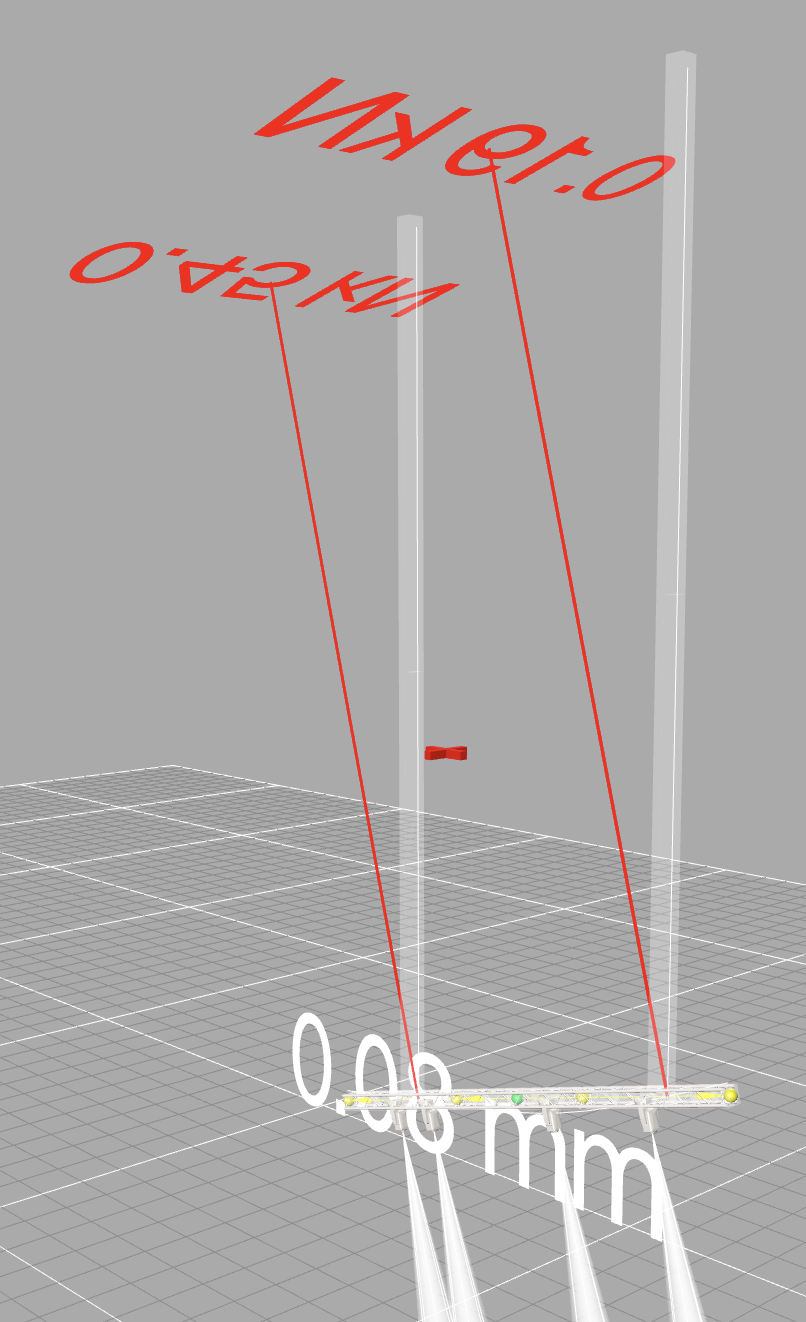 |
| Labels | 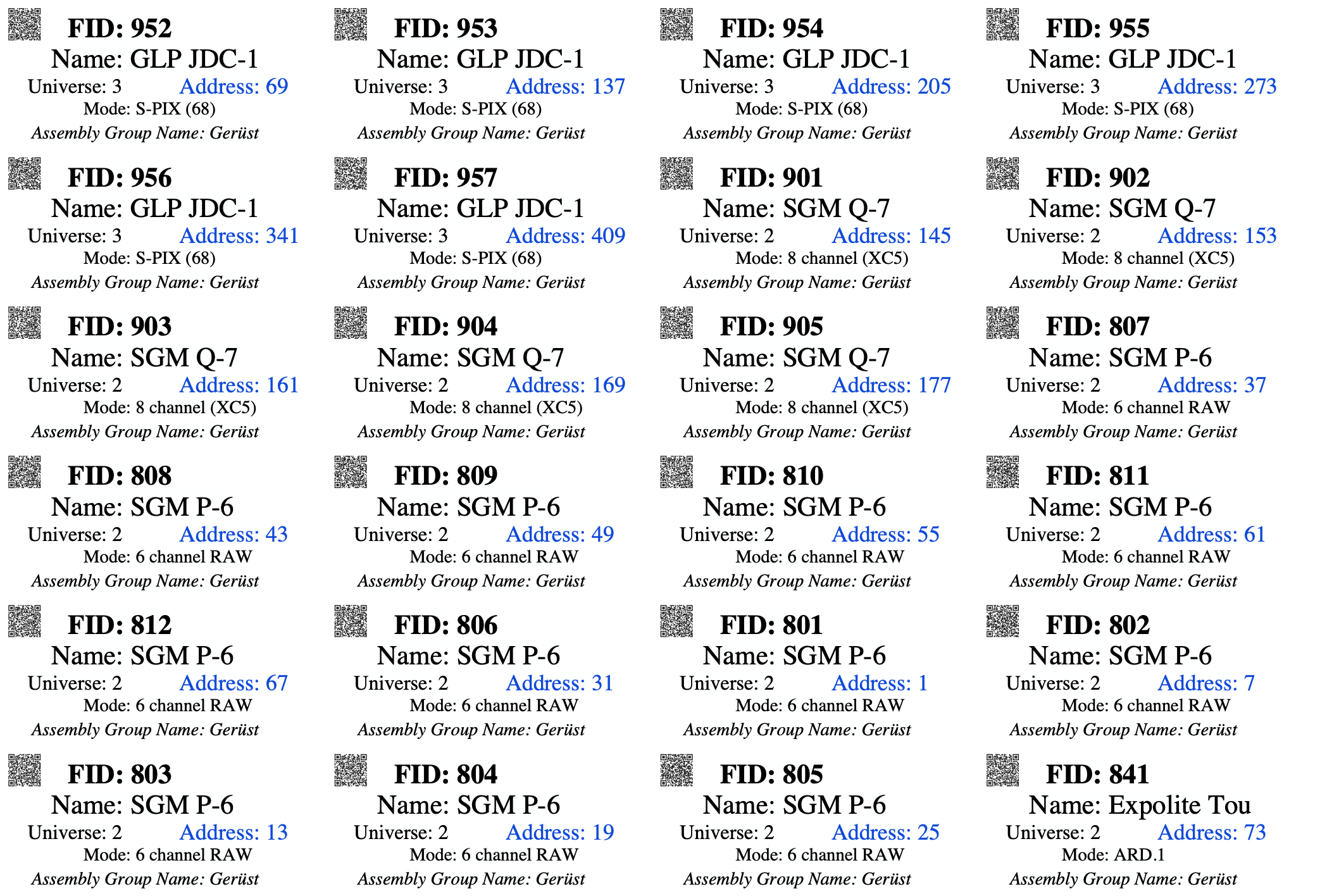 |
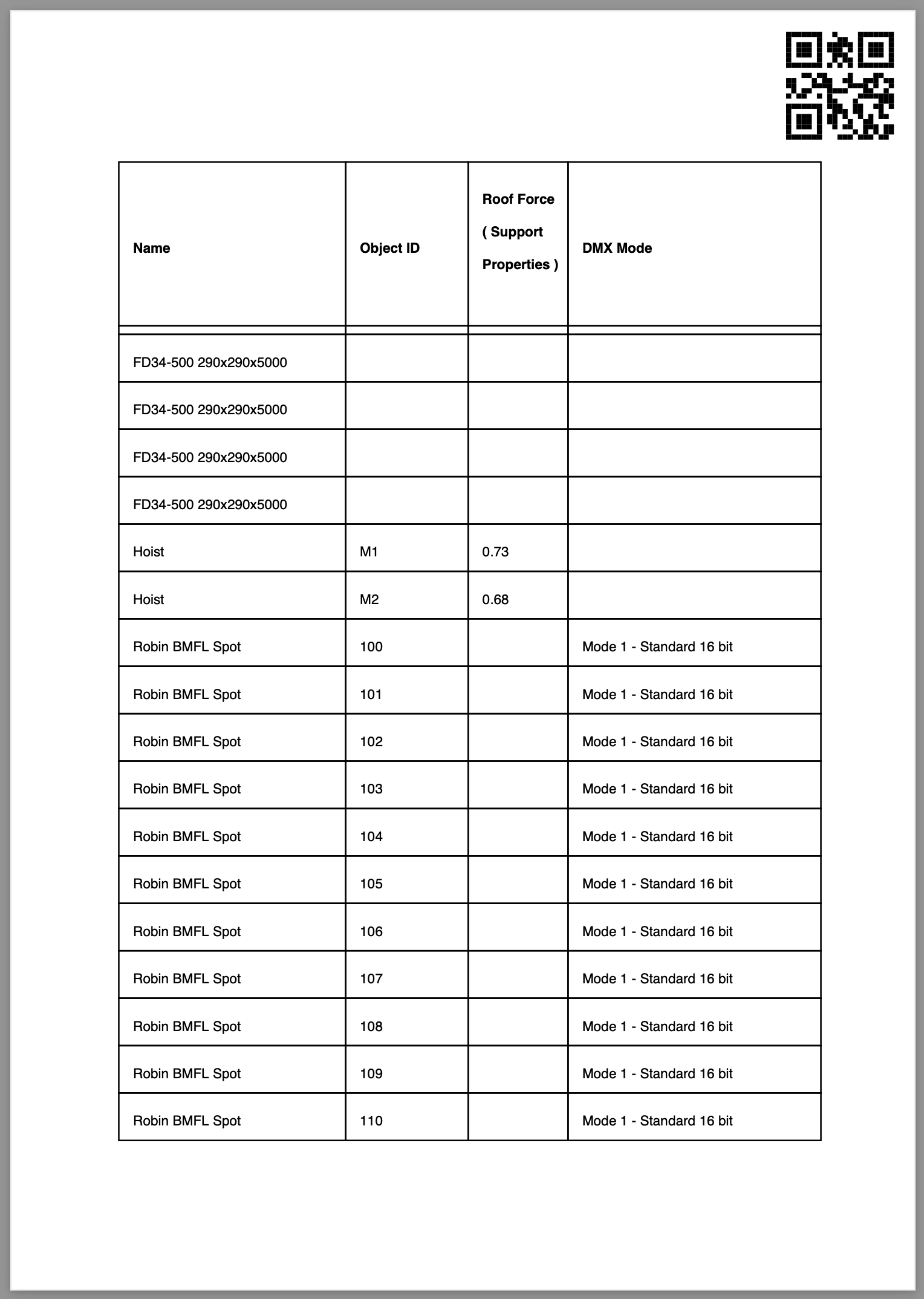
The paperwork can be downloaded online directly to smartphones, tablets and PCs. This gives the people who need it direct access. Of course, paperwork can also be exported as table or PDF document and simply printed out. A QR code can be used to refer to the online version of the printout. Any changes made to the data in the meantime are immediately available online.
Production Assist is available on multiple platforms. The Production Assist desktop app allows you to create the entire range of necessary paperwork including 2D and 3D plans independently of other applications. You can also import MVR and GDTF files and thus easily incorporate external planning data.
Production Assist for Vectorworks Spotlight offers the full functionality of Production Assist directly in Vectorworks. All functions of Production Assist can be applied directly to Vectorworks drawings. Simply open your existing CAD planning in Vectorworks and create the paperwork.
Production Assist for grandMA3 works both on console and with the onPC solution. Create your show documentation directly for your show file..
All Production Assist platforms are fully compatible with each other and connected via the Production Assist cloud.
Production Assist is equipped with a revolutionary collaboration system that makes paperwork available online so that several people can work on it at the same time.
Each project employee has their own workspace in which they can freely make changes to the project. A shared work area – the Master Plan - represents the current and agreed work status at all times.
Changes to this can be proposed via change requests. These can be commented on by all project staff. Automatic checks and required reviews ensure that only changes that harmonize and are approved are incorporated.