

Production Assist ships with a collection of labels, backgrounds, GDTFs, and icons by default. A complete list of all symbols can be found here .
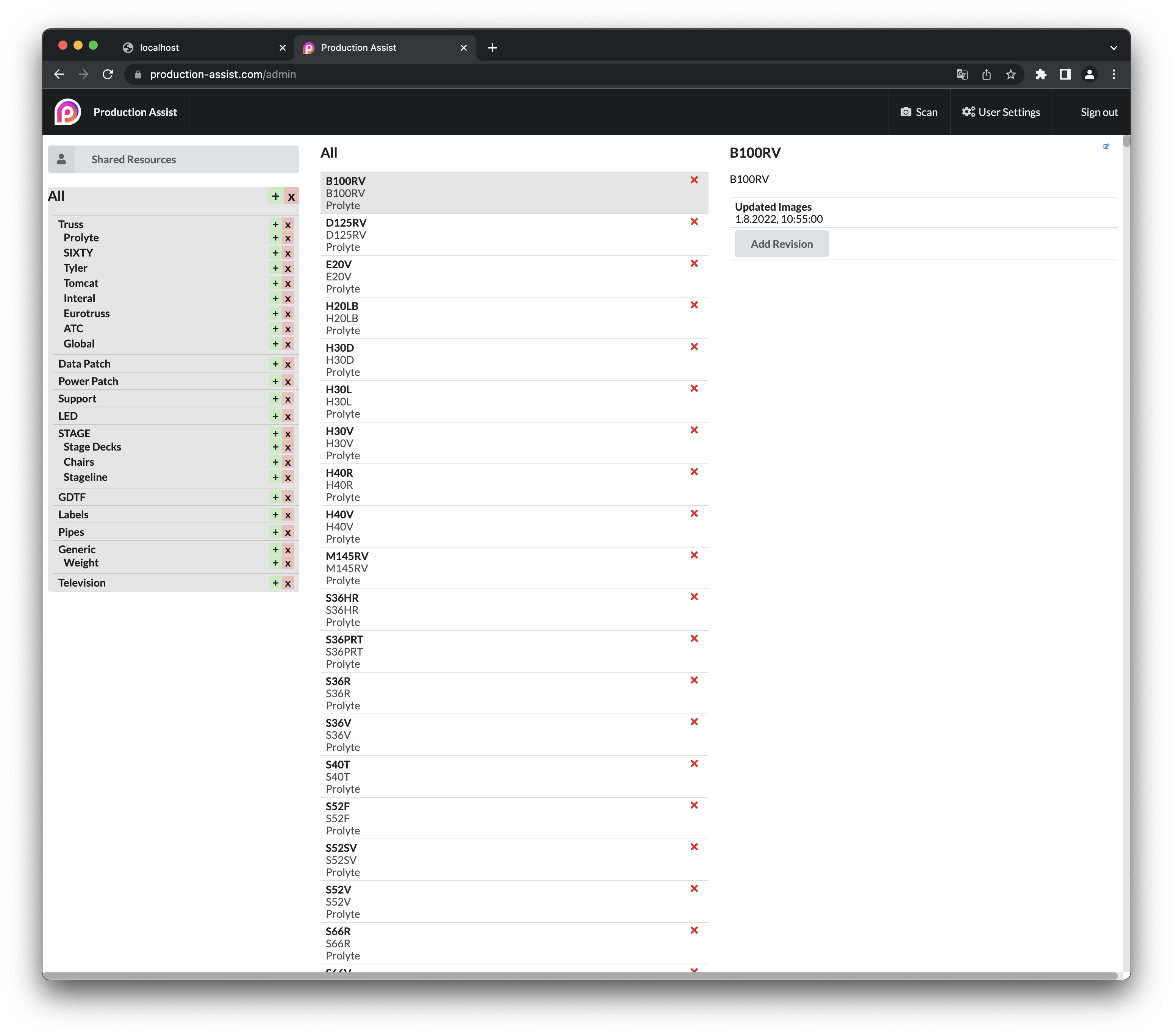
These resources are available to all users. They can either be downloaded via the Resource Manager or via the insert tool
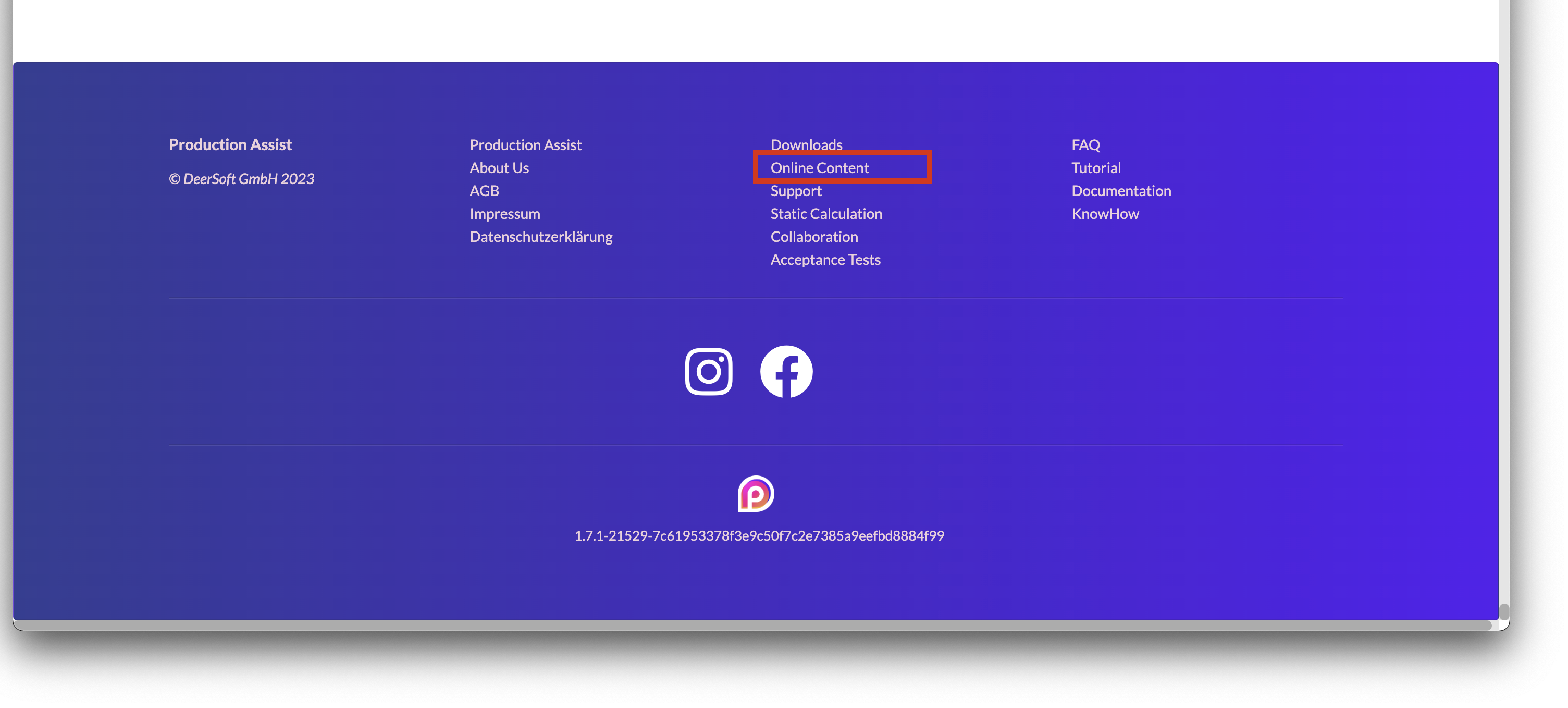
This can be accessed on Production-assist.com in the footer of the website under the Online Content tab.
It is also possible to use your own resources. These can be uploaded and made available to all team members.
Note:
In order for other team members to be able to access the user's online resources, the account must be marked as an organization . More about this here
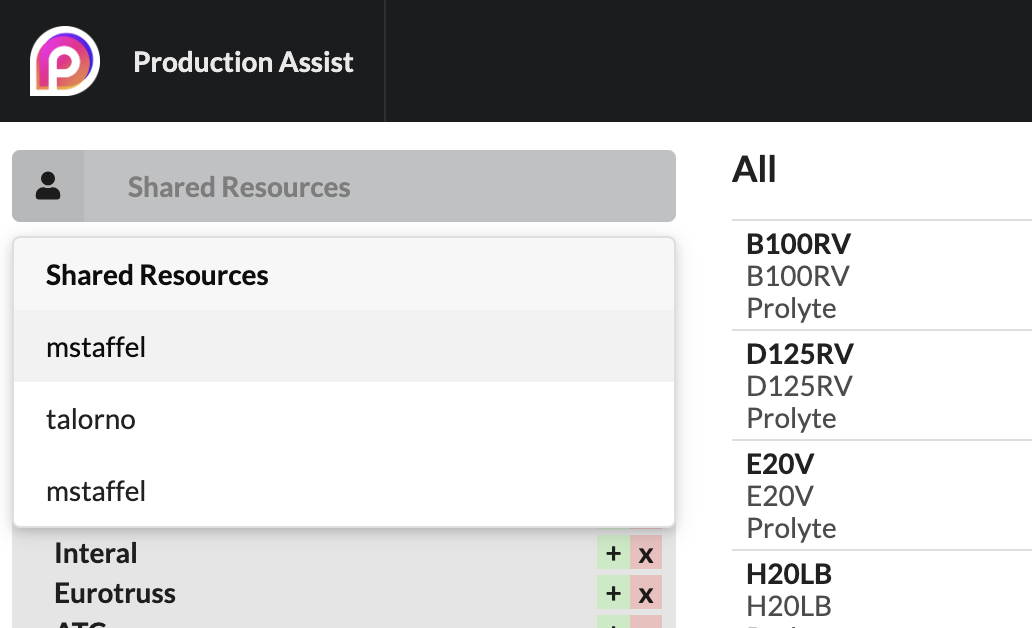
To upload the resources, click Shared Resources in the online content.
Select the user account you want to upload the resource to. All organizations in which you are a member are displayed here.
Note:
Only Content Admins can change the resources of another user account. Everyone else can only use and see them.
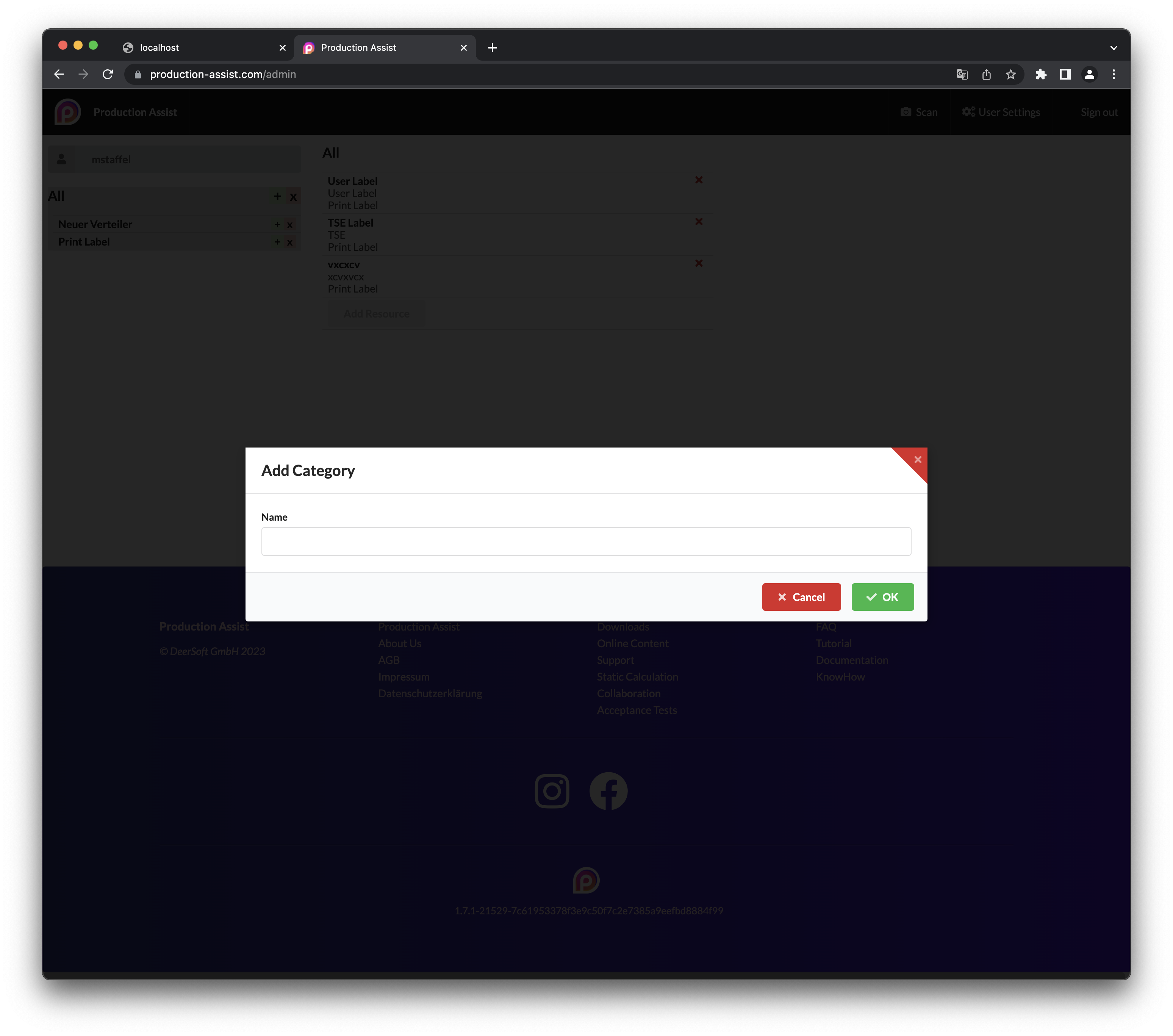
The resources are divided into categories. First create a new category with the green plus and give it a name.
Categories can have any number of subcategories. These are displayed as a tree structure in the resource selector. The following picture gives an example:
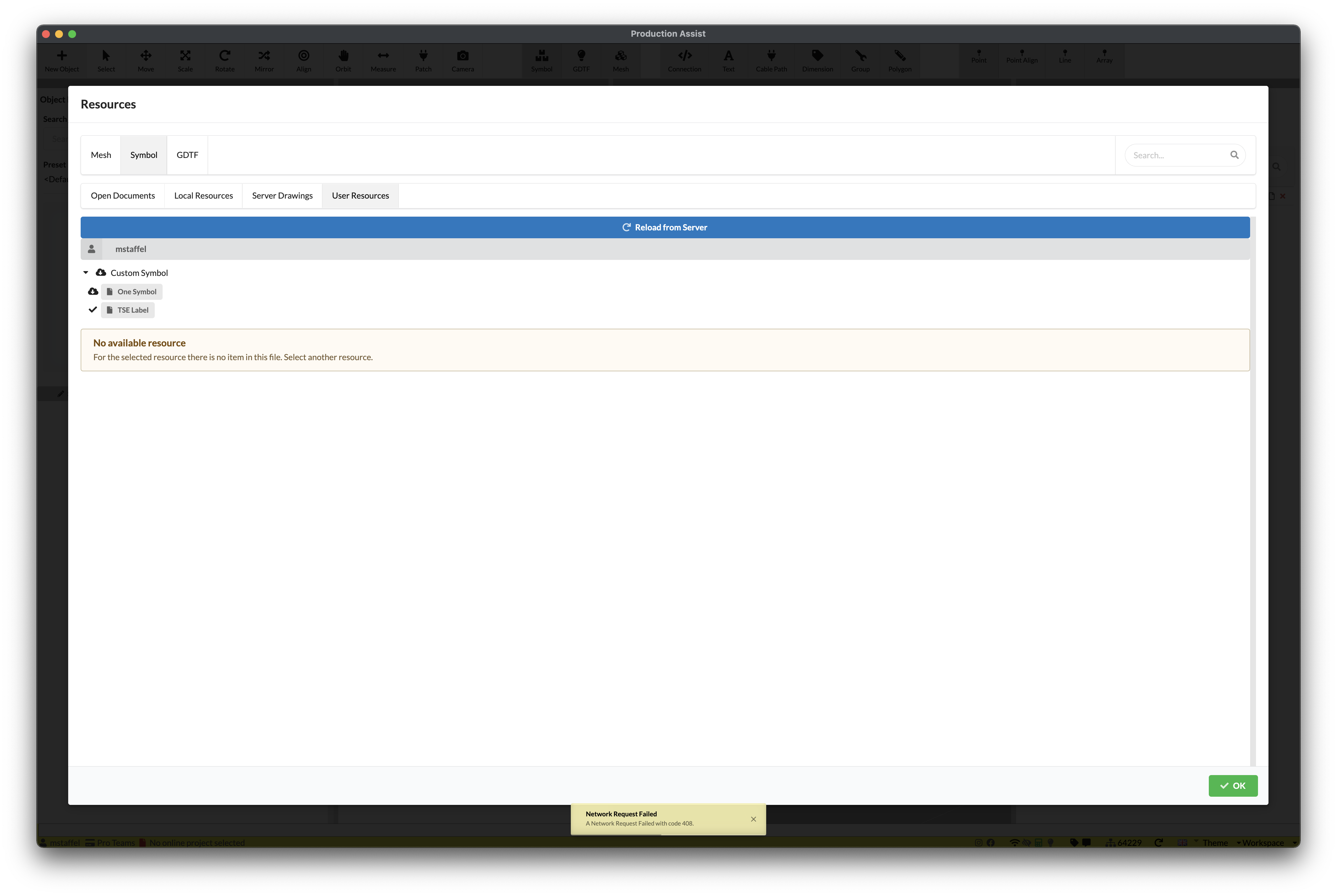
To upload a resource, press the Add Resource button. The following dialog appears:
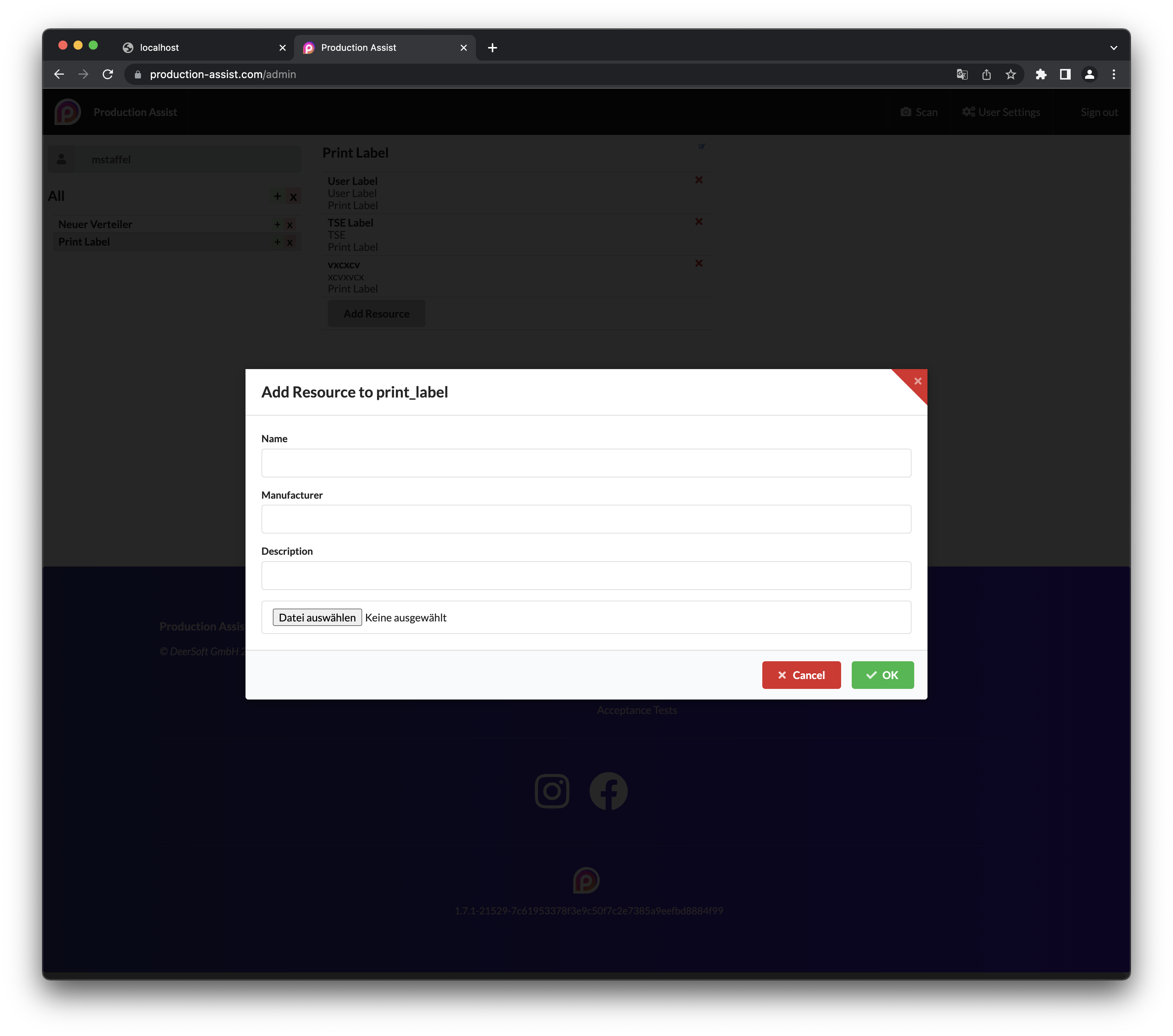
| Field | Description |
|---|---|
| Name | The name of the resource. This is displayed in the resource selector. |
| Manufacturer | The manufacturer is used for sorting. |
| Description | The description indicates what has changed in this version. |
| File | The LRWX file to be uploaded. ATTENTION Only LRWX files are supported. |
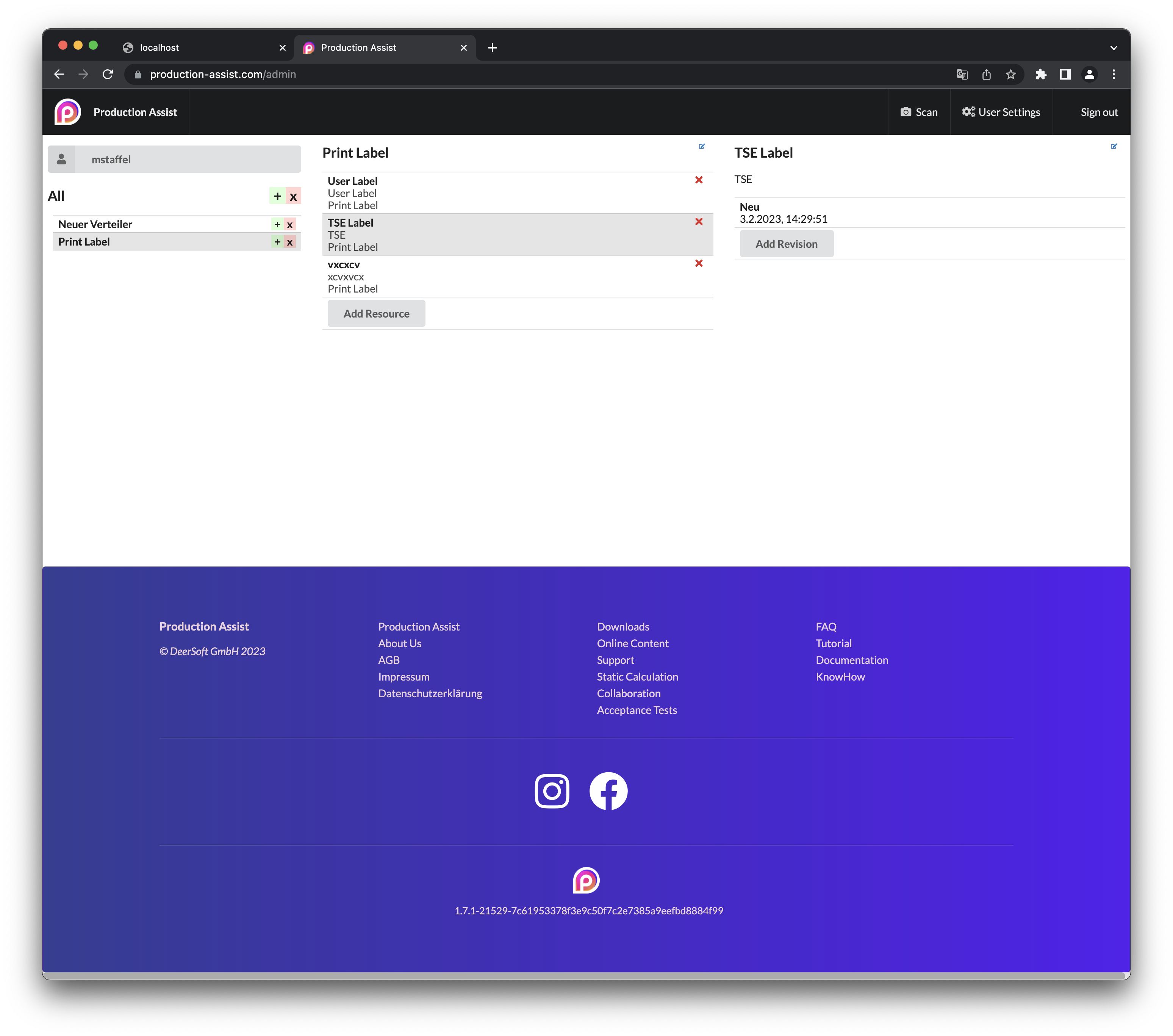
To upload a new revision of a resource, select it and press Add Revision
If a resource should be exported from an existing drawing, use the command:
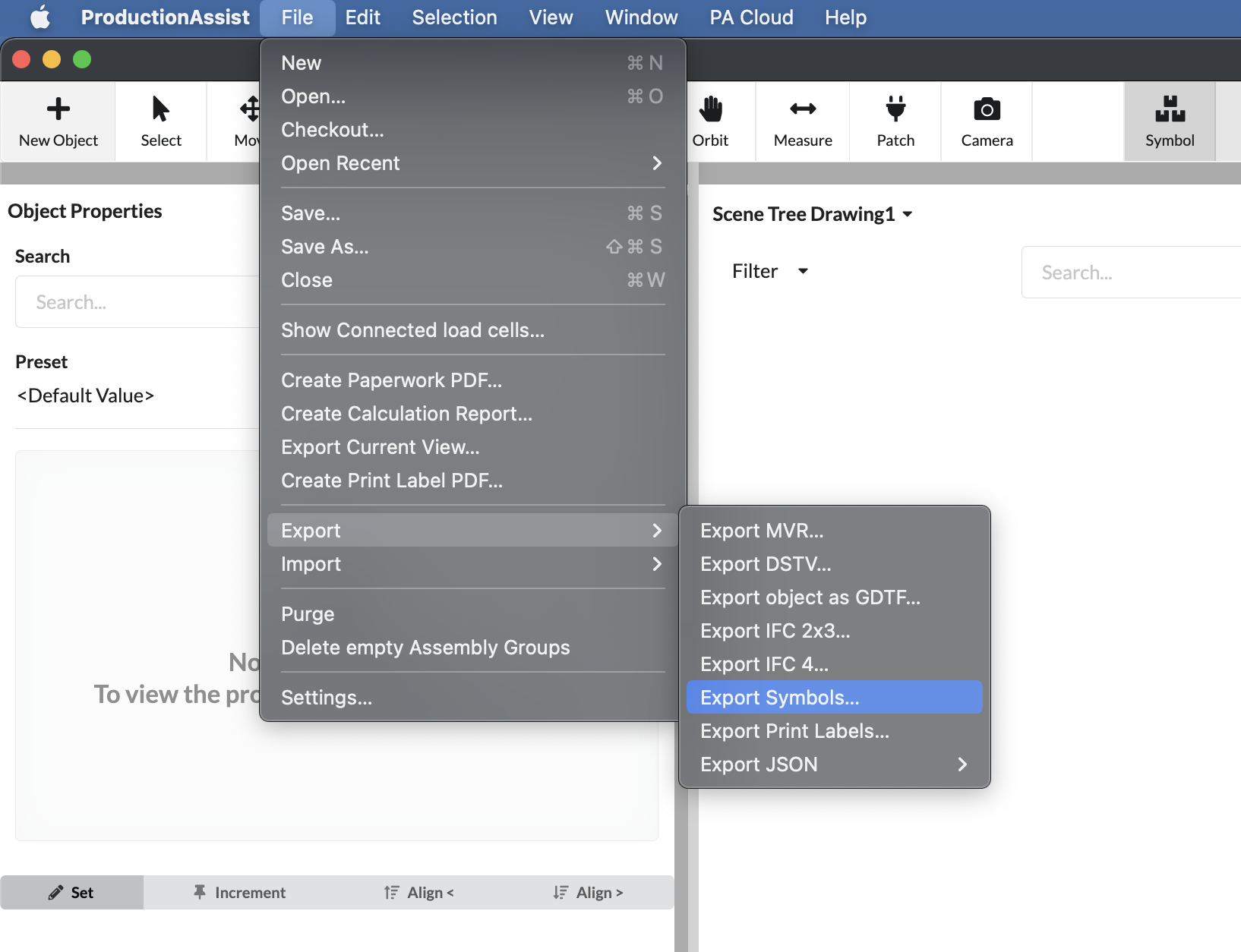
This command exports the existing symbols or labels to a new file.